
Do you want to see AIM before you talk to a partner? Then open the COD demo. Technically, AIM is the Central Operations Dashboard (COD) of extocode GmbH. The demo runs on COD 3.8 at cod.demo.extocode.com. The login details are on extocode.com/demo.
A company to explore
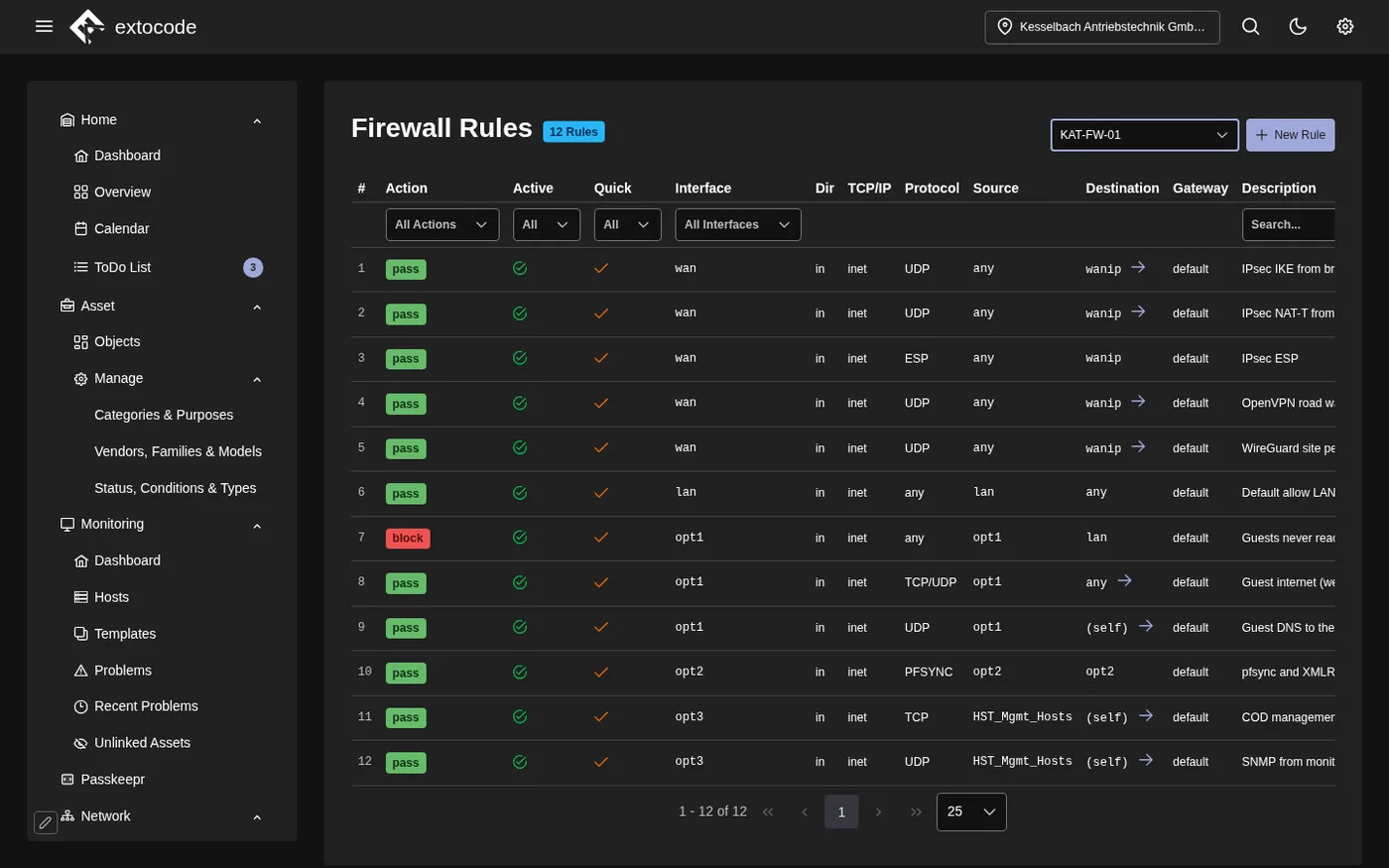
The demo manages Kesselbach Antriebstechnik GmbH. The company is fictitious. Switches, firewalls, suppliers, risks and people are made up. But the data is connected as in a real company. The same device appears in the network, in monitoring and in the GRC register.
Three accounts
- Demo First Level and Demo Second Level show operations: assets, monitoring, network with TACACS+, NAC, firewall, hypervisor and backup.
- Demo GRC shows the assets and the governance, risk and compliance area.
Three short tours
- Operations: Network, Client Overview shows the switch, port and VLAN for every MAC address. Clicking a row opens the port card and the NAC sessions of the device.
- Network and security: Network, Dashboard shows the topology on layer 2 and layer 3. Firewall, Dashboard brings together an OPNsense and an AIMdefense.
- GRC: With Demo GRC the dashboard starts with the risk matrix. Under Suppliers you see which evidence each supplier owes.
Good to know
- The interface is in English, the sample data is mostly in German.
- The demo is a shared playground. Other visitors see what you enter. Please do not enter real data. The demo is reset every night around midnight.
- Administration (Admin Area) is locked for demo accounts. You see Passkeepr in the menu, but it cannot be set up in the demo.
The demo shows the interface with sample data. It does not show how AIM connects to your infrastructure. For that there is the personal presentation through your AIM partner or our contact form. What is new is described in the overview of AIM 3.8.
The AIM interface is in English. Which functions your contract covers is set out solely in the service description in the version that applies to your contract.