
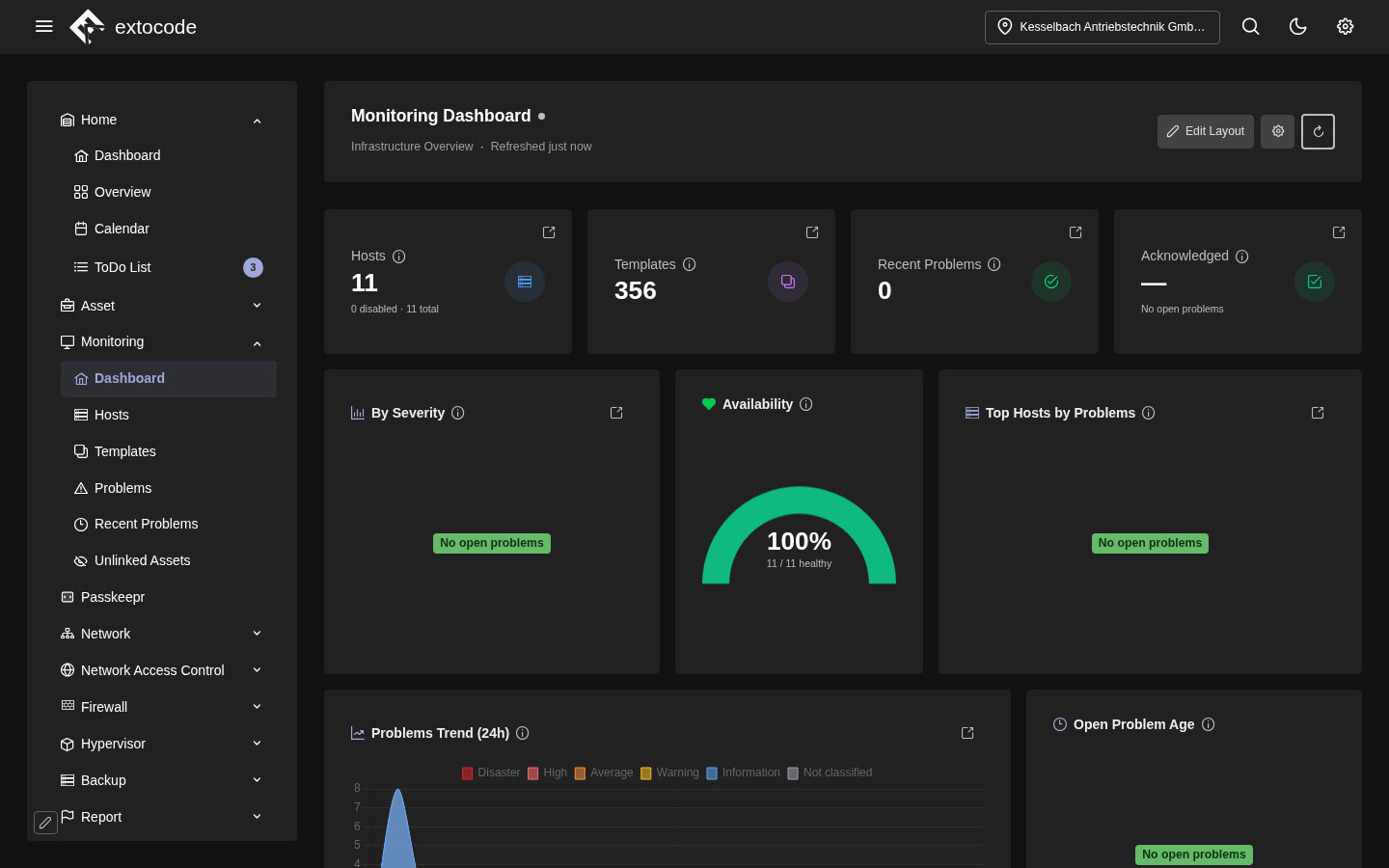
A lot has happened since the post on AIM 3.0 in February. Technically, AIM is the Central Operations Dashboard (COD) of extocode GmbH. Secure 2 Fiber GmbH sells it under the name AIM, exclusively through partners. COD 3.8.0 was released on 29 October 2026. Here is what is new since version 3.7.
Passkeepr: credentials in one place
Passkeepr is the vault for credentials in AIM. Up to version 3.7 it was called Stronghold. Logins, SSH keys and WiFi passwords are stored end-to-end encrypted, in personal, shared and enterprise vaults. One-time codes (OTP) and passkeys are built in. A browser extension for Chrome and Firefox fills in logins. More in the post on Passkeepr.
GRC: registers, catalogues and forms
The GRC module has gained a lot since version 3.7. There are registers for processes and suppliers, supplier evidence, KPIs, training and forms with signatures. ISO/IEC 27019 and the BSI catalogues can be switched on. The audit page shows changes from the whole platform. Checkpoints signed every night make later changes to it visible. More in the post on GRC.
Network: TACACS+ and the port history
In the network module, AIM manages the bundled TACACS+ service for logins to network devices. Since version 3.7.12 the port history also shows the NAC sessions on the port. In the view, ports refresh every 30 seconds. More in the post on TACACS+.
Usability: favourites, colours and faster lists
With COD 3.8 you pin pages as favourites with a right click, and groups and pages get colours. Long lists load page by page and search on the server. The dashboard counts on the server and no longer loads every row.
Try it yourself
The COD demo is open. It shows a fictitious industrial company. The login details are on extocode.com/demo. How to get started is described in the post on the demo. You can arrange a personal presentation through your AIM partner or through our contact form.
The AIM interface is in English. Which functions your contract covers is set out solely in the service description in the version that applies to your contract.